 IndieCRM
Explore IndieCRM
People. Deals. Follow-ups.
A smaller
prospect list.
A clearer
next step.
Find relevant people, review the fit and bring selected contacts into your pipeline. Keep the context for the next conversation.
For solo B2B founders, consultants and small GTM teams.

A quick look
The prospect
review flow
A focused search gives you a starting point. The review helps you decide who belongs in your pipeline.
Choose your search criteria
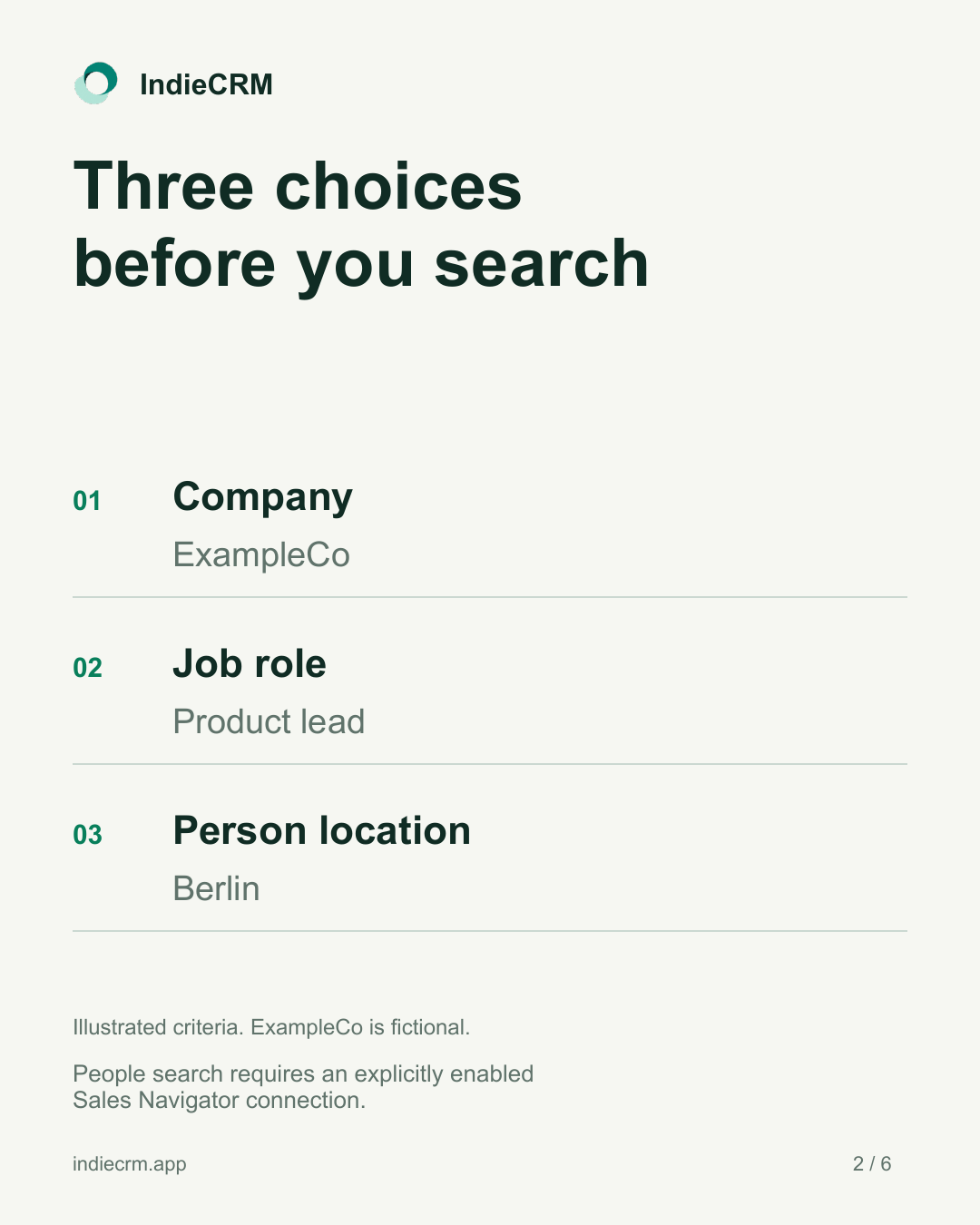
Use company, job role and person location to focus your people search.
Review the people
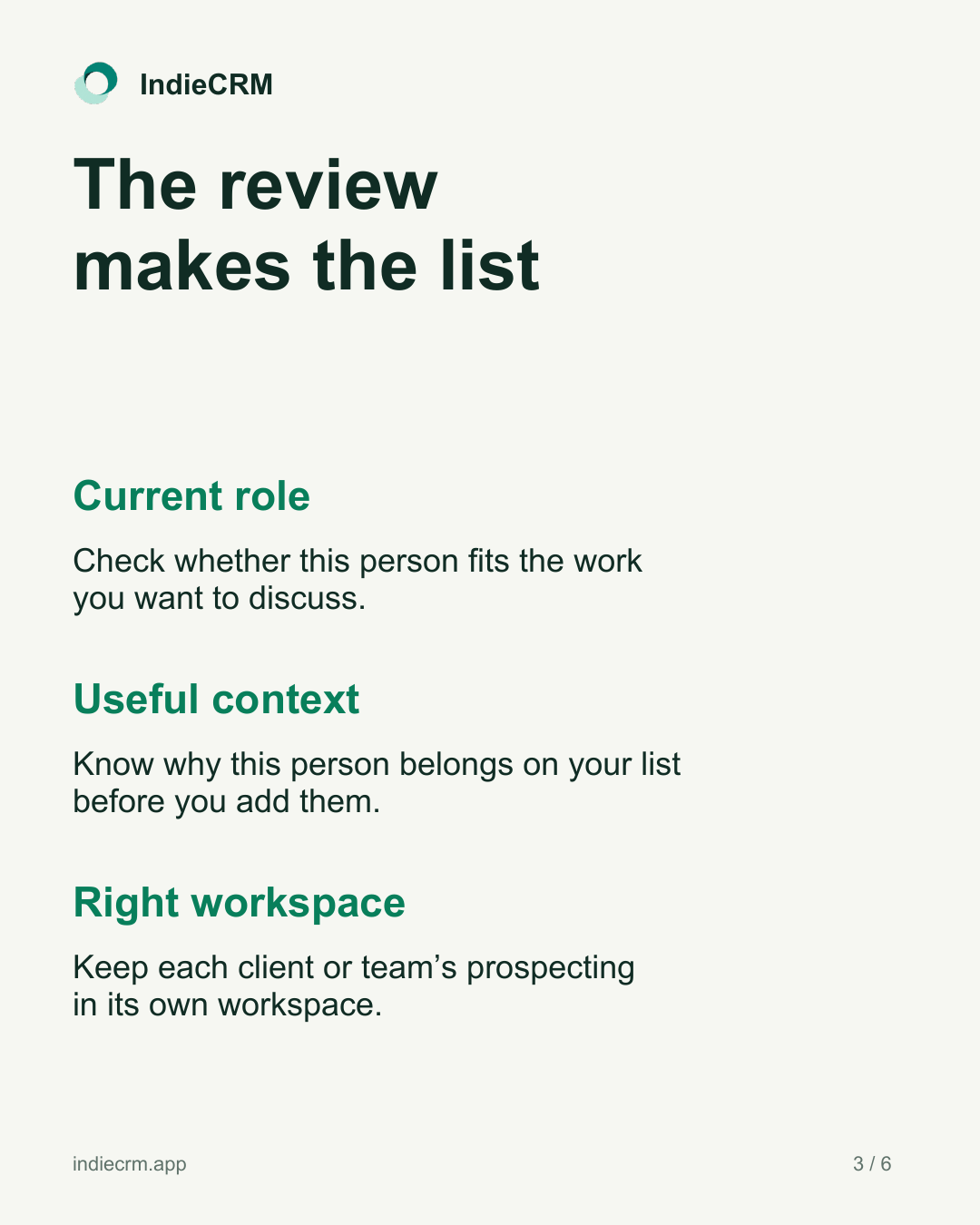
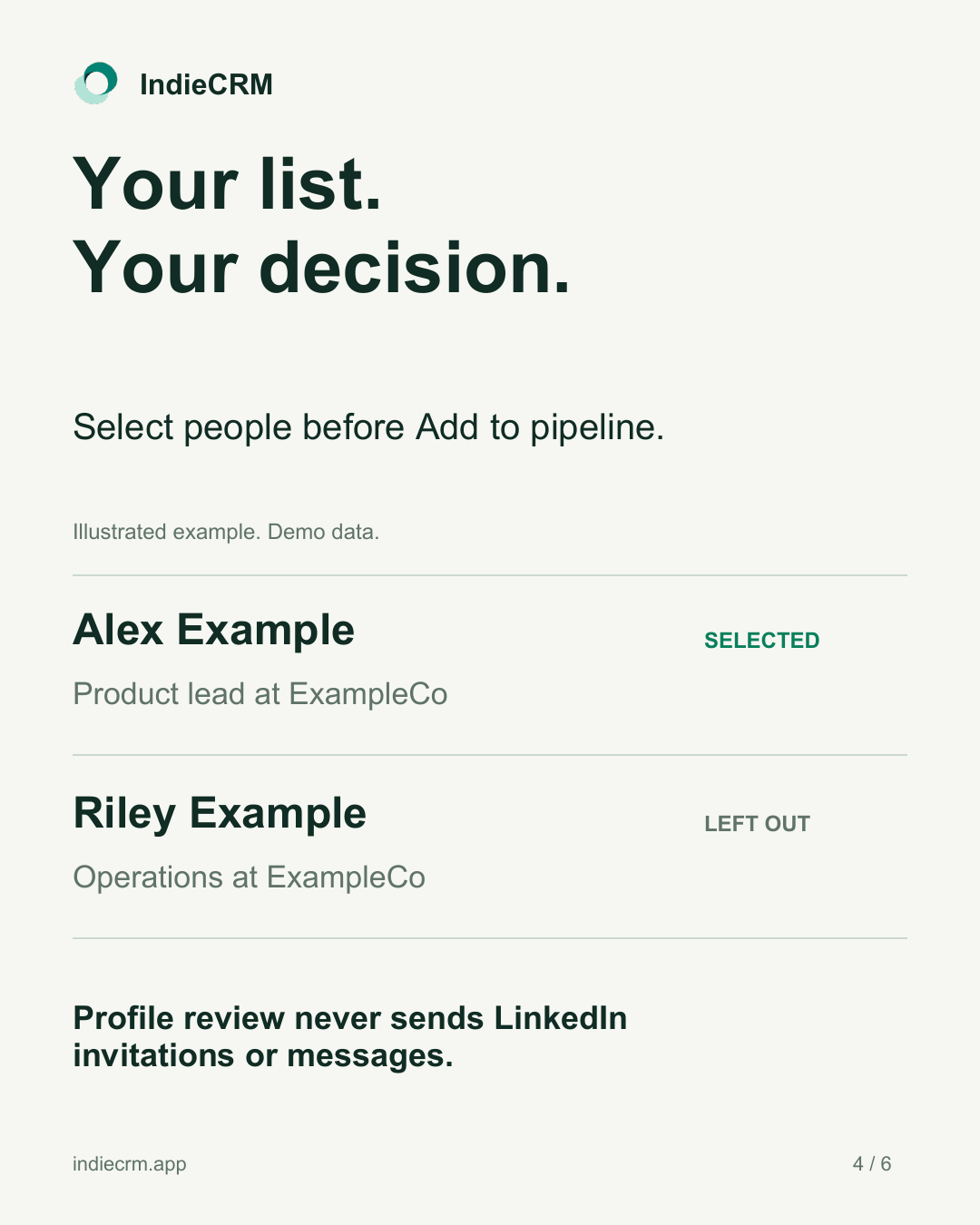
Check the role, the context and the workspace. Select the people you want to keep.
Add selected contacts
Bring the selected people into your pipeline and decide your next step.
Illustrated workflow. Fictional demo data. All people and companies shown are examples. People search requires an explicitly enabled Sales Navigator connection. Profile review never sends LinkedIn invitations or messages.
20 seconds, with on-screen text. This illustration explains the workflow using demo data.
Read the demo transcript
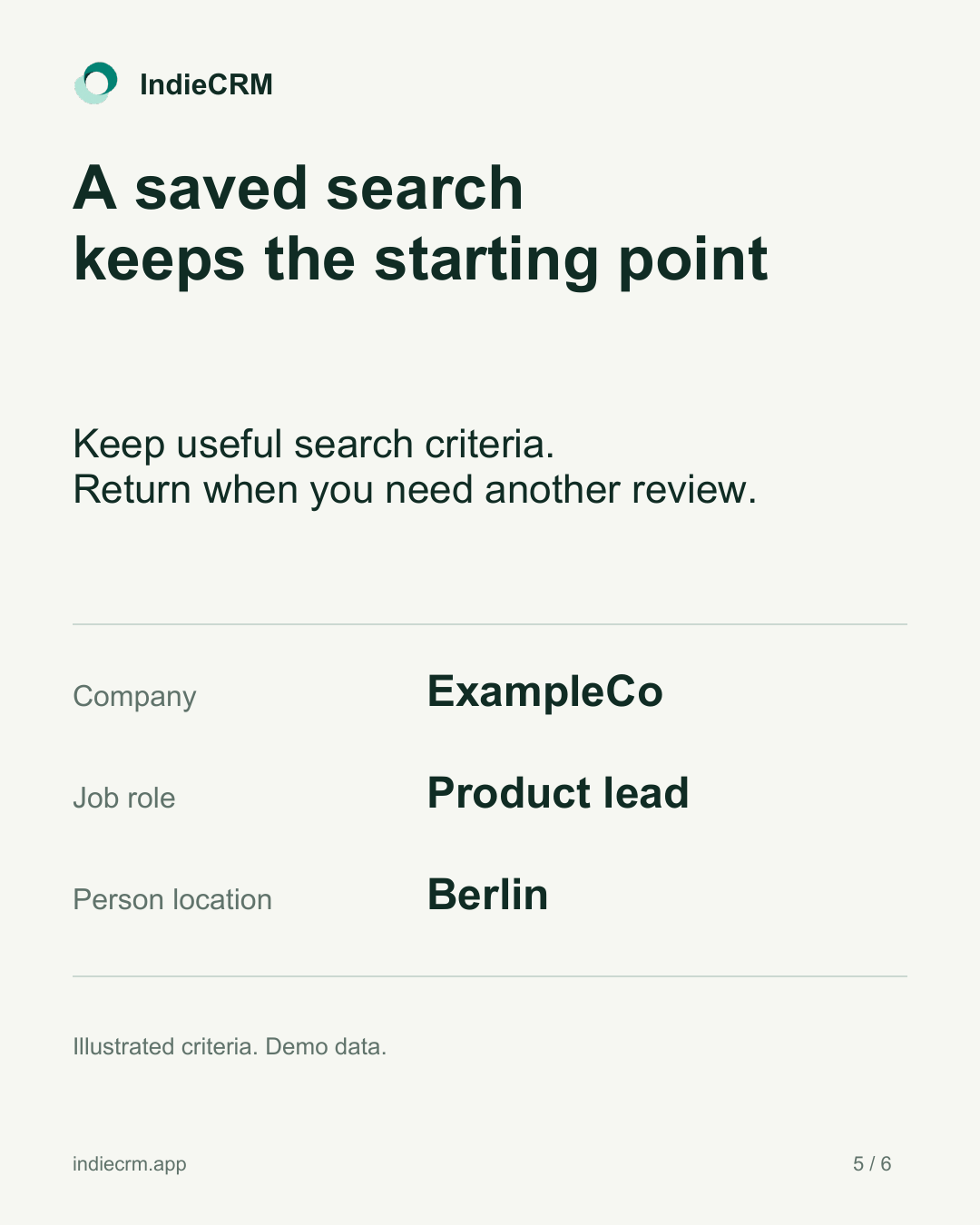
0:00 — People search. A focused starting point. Company: ExampleCo. Job role: Product lead. Person location: Berlin. Requires an explicitly enabled Sales Navigator connection.
0:05 — Review people. Alex Example, Product lead at ExampleCo, is selected. Riley Example, Operations at ExampleCo, stays out of the selected list.
0:10 — Add selected to pipeline. Keep the context for Alex Example. Review the context before outreach. Profile review never sends invitations or messages.
0:15 — A clearer next step. People, deals and follow-ups for solo B2B founders, consultants and small GTM teams. Explore IndieCRM.
A closer look
Review the details.
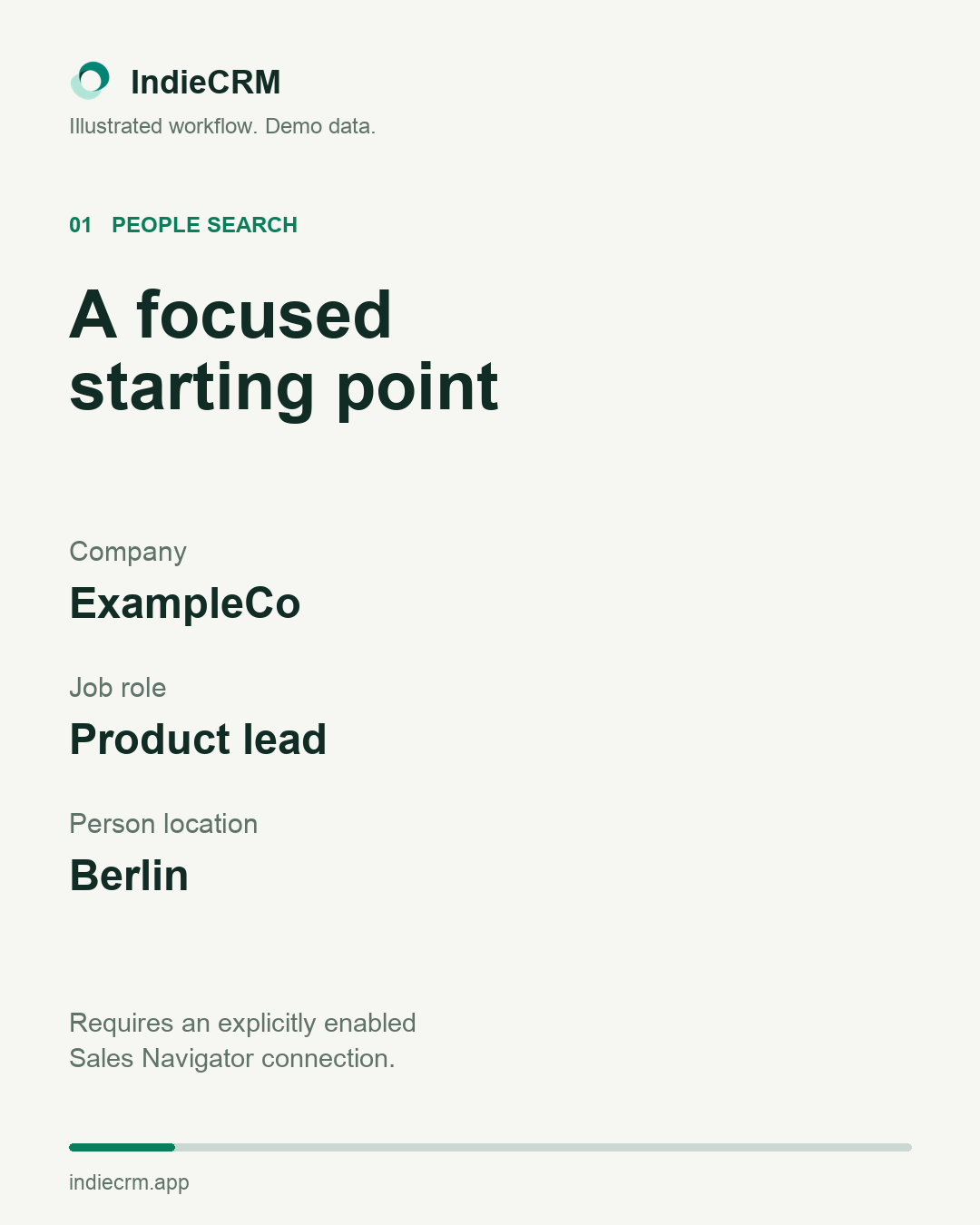
Choose a starting point
Company, job role and person location. People search requires an explicitly enabled Sales Navigator connection.
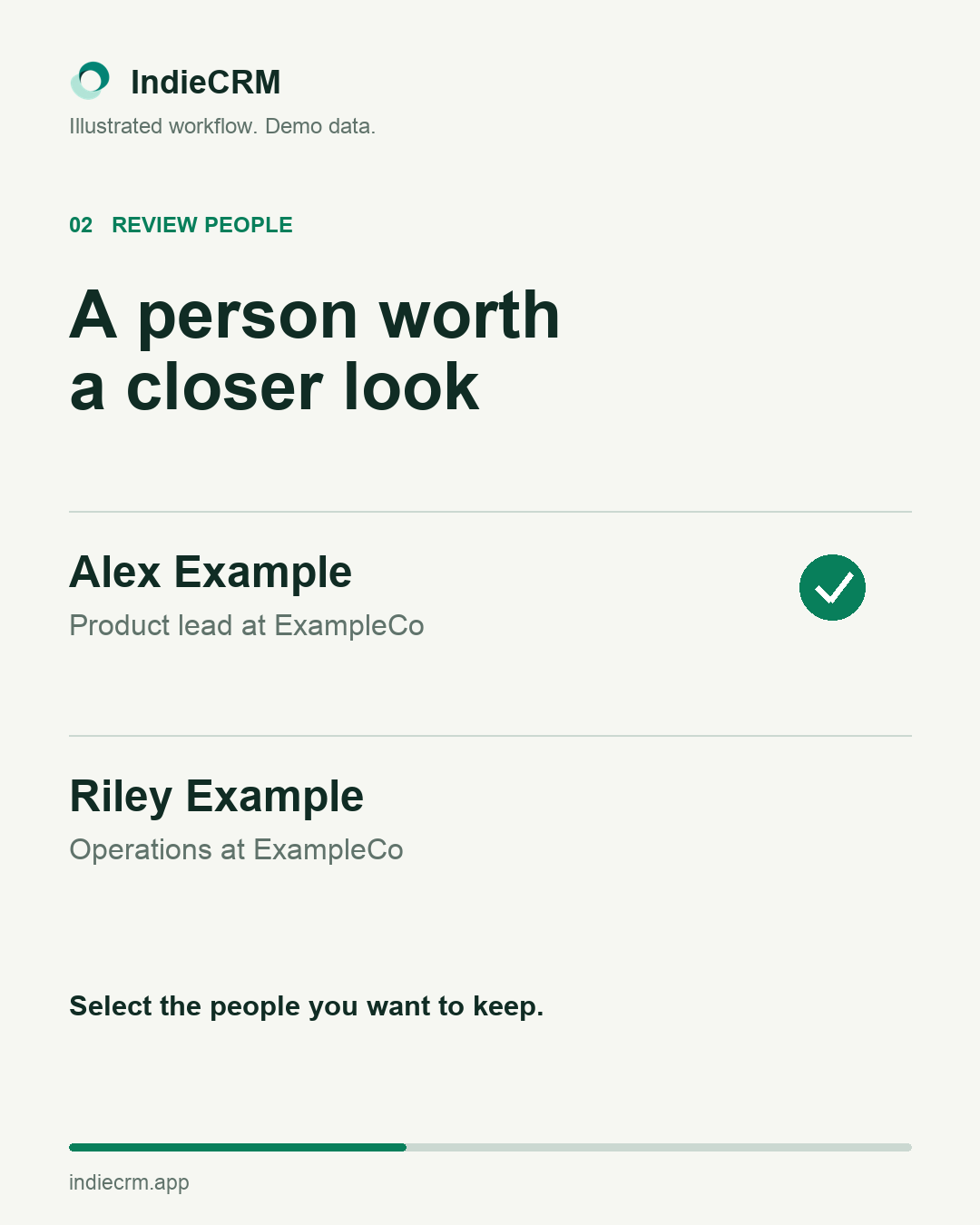
Review the people
Review each person and choose who to add. All people and companies shown are fictional.
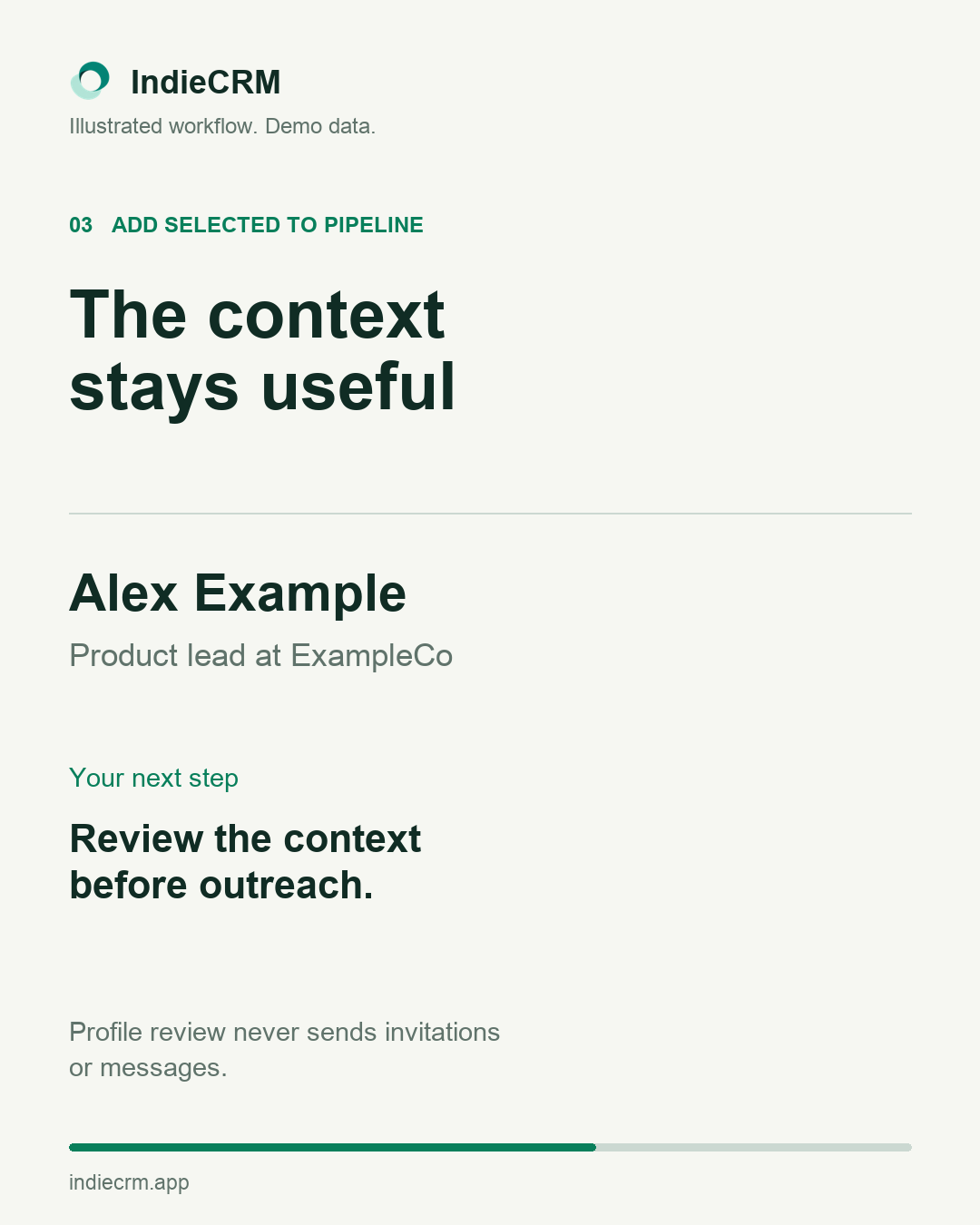
Keep the context
Bring selected contacts into the right pipeline. Profile review never sends invitations or messages.
The six-slide guide
The choices
behind the list
A short guide to useful search criteria, reviewing people and keeping a clear next step. Read it here or keep the PDF for later.
Download the PDF guideSix slides. All examples are fictional. People search requires an explicitly enabled Sales Navigator connection.
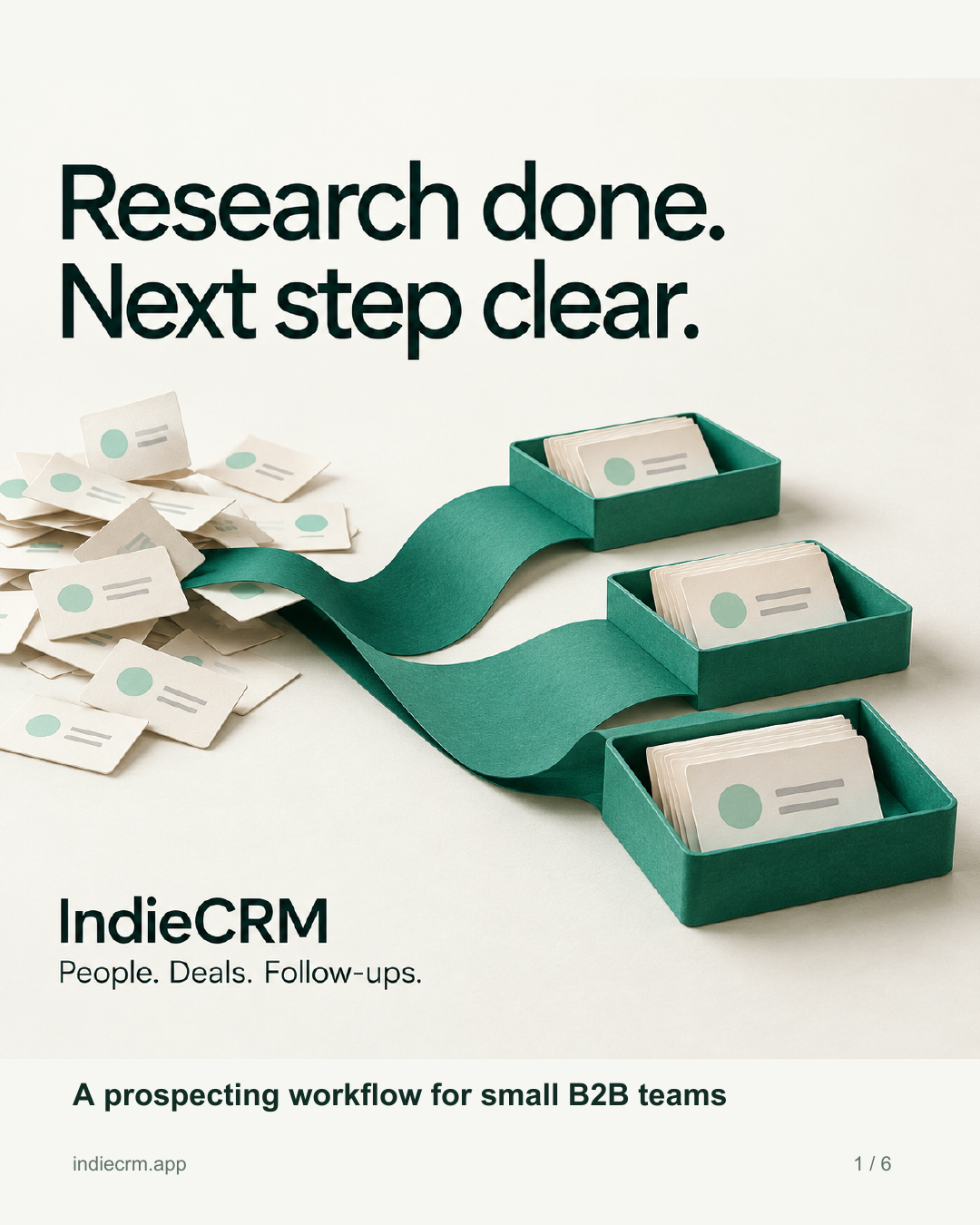
Use Left and Right arrow keys while the guide is focused. Home opens the first slide. End opens the last.
Keep the context.
Know your next step.
People, deals and the next conversation, in IndieCRM.